Chapter 1 · Orientation · 5 min read
On this page9
Before we start
This lab is a practice, not a tour. You'll install Claude, point it at a sample project, iterate on real changes, and leave with patterns you can reuse tomorrow. Not a demo of features you'll never touch.
The whole guide — chapters, sample projects, companion skill — lives at github.com/ondrej-svec/claude-code-lab ↗. Clone it and you have everything locally. Anthropic's canonical docs for Claude Code are at code.claude.com/docs/en/overview ↗ — that's the source of truth whenever we point somewhere.
Install Claude
Two ways to run Claude Code. Start with the desktop app — it's the shortest path to your first working session.
Claude desktop app — recommended for this lab
Download from claude.ai/download ↗. The desktop app includes Claude Code as a built-in workspace. No terminal setup, nothing to configure. Sign in and open your project folder.
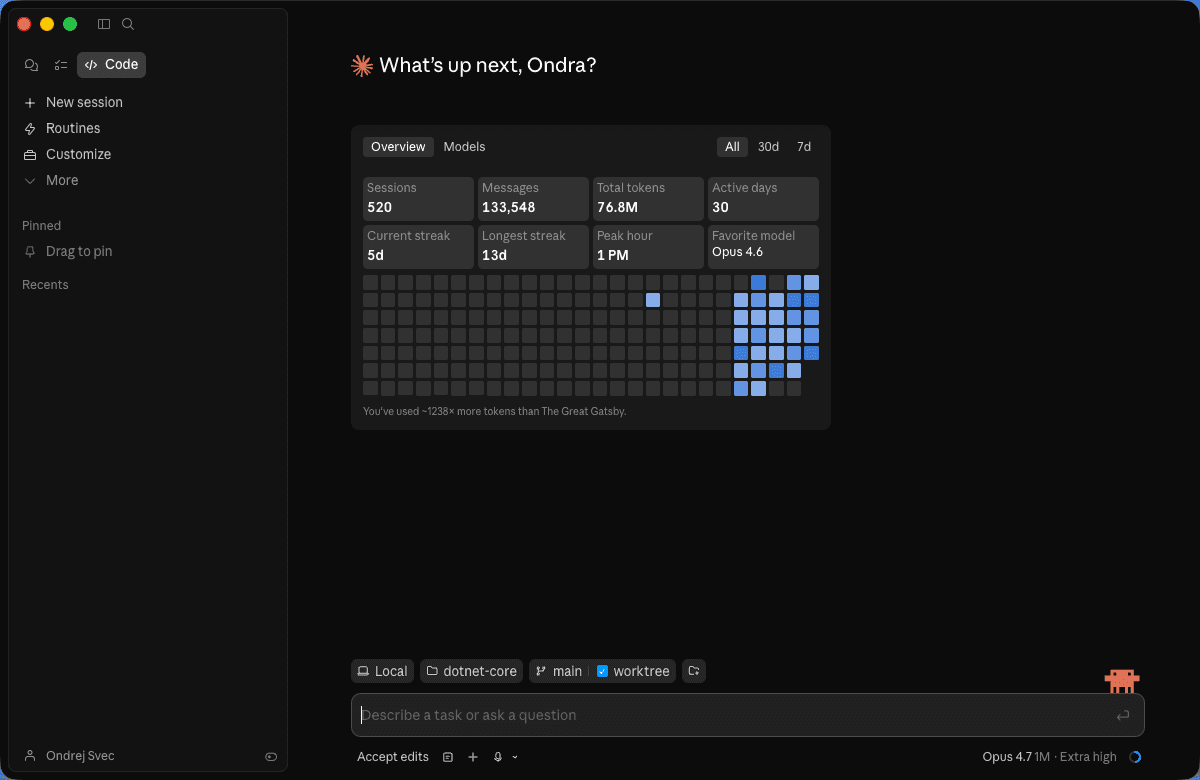
Claude Code CLI — for when you want more control
Same model, same capabilities, more keyboard. Once the desktop flow is second nature, the CLI is one command away:
curl -fsSL https://claude.ai/install.sh | sh
claude --version
Both share the same account. Use whichever fits the task.
Account and auth
You need an Anthropic account. console.anthropic.com ↗ — sign in with Google or email.
Check your plan before signing up. Claude Code works on personal plans (Pro, Max) and organizational plans (Team, Enterprise). If your company already has a Team or Enterprise seat for you, use it — billing, data retention, and admin policy differ between personal and organizational tiers. Features like Remote Control (driving your workstation from a browser or phone) require Pro or higher; API-key-only setups are locked out.
First run opens a browser window for OAuth. That's normal. Tokens land in ~/.claude/ on macOS/Linux, %APPDATA%\Claude\ on Windows.
WSL2, SSH session, or container? Run claude auth login and paste the OAuth code into the terminal when prompted.
Permissions
Claude Code asks before acting. Defaults:
- Read files — auto-allowed inside your project
- Edit files — prompts on first edit each conversation
- Run commands — prompts on first run each conversation
- Git actions — prompts every time
You can tune this in /permissions once you trust the pattern. For the lab, keep defaults.
What leaves your machine
Every prompt sends:
- Your message
- Files you explicitly share (via
@mention, tool use, or what Claude reads to answer you) - Conversation history in the current context window
It does not send:
- Your full filesystem
- Files outside the project directory
- Anything in
.gitignoreor.claudeignore
Retention, briefly
The important part for corporate use: how long does Anthropic keep what you sent?
- Personal plans (Pro, Max) — standard retention, used to improve product; you can opt out in console settings.
- Team / Enterprise — admin-configurable. Zero-retention is available on Enterprise. Your admin sets policy; you inherit it.
.claudeignore— the simplest defence. Next to.gitignore, lists files or paths never sent to Claude regardless of plan. Use it for secrets, customer data, proprietary code.
Chapter 9.5 has the deeper reference with links to Anthropic's data handling and compliance pages. If you're on a team with specific compliance requirements, talk to your admin before starting the lab.
Minimum requirements
- macOS, Windows, or Linux
- Node 20+ if you use the CLI
- ~500 MB disk space
- Internet
- For Remote Control and mobile app: Pro plan or higher (ch 6)
When you're ready
Claude installed, account authenticated, desktop app open? Good. Move on.